A look inside
Side panel, options, transcript — everything happens right next to the video.
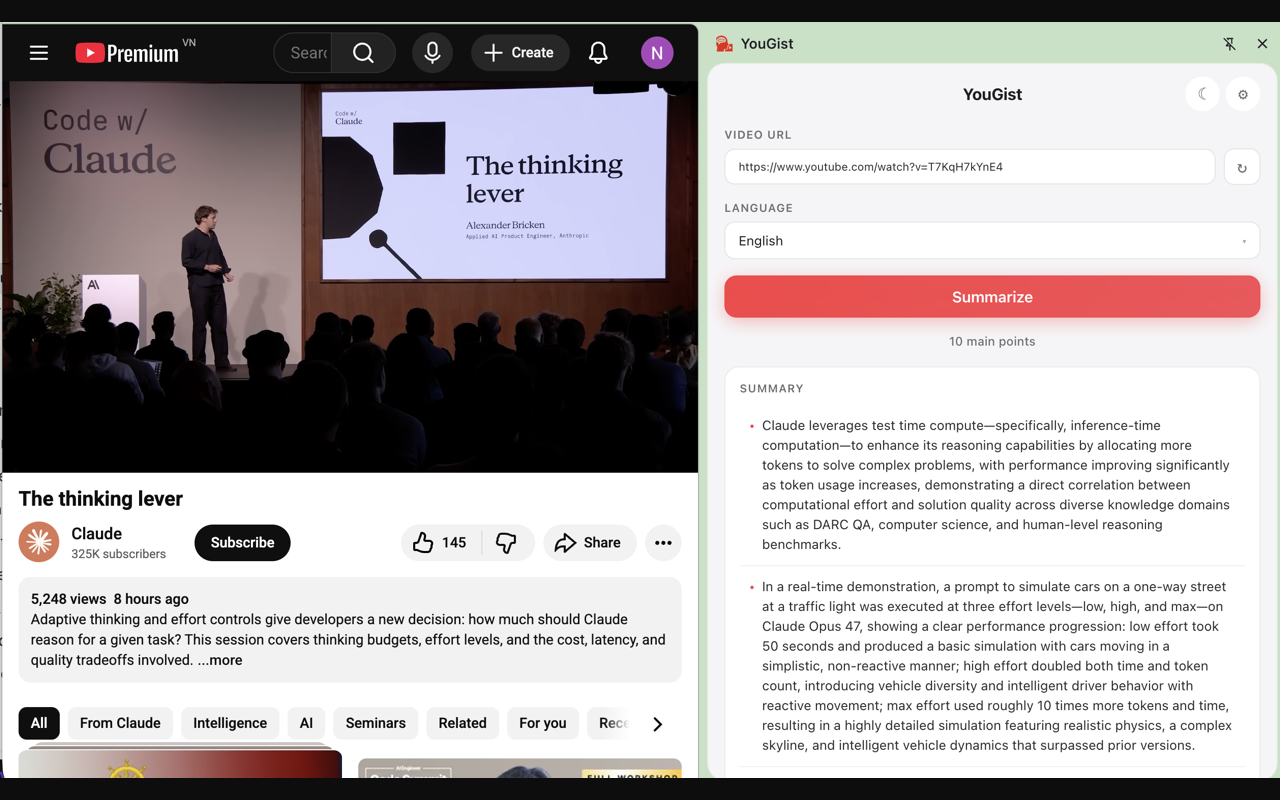
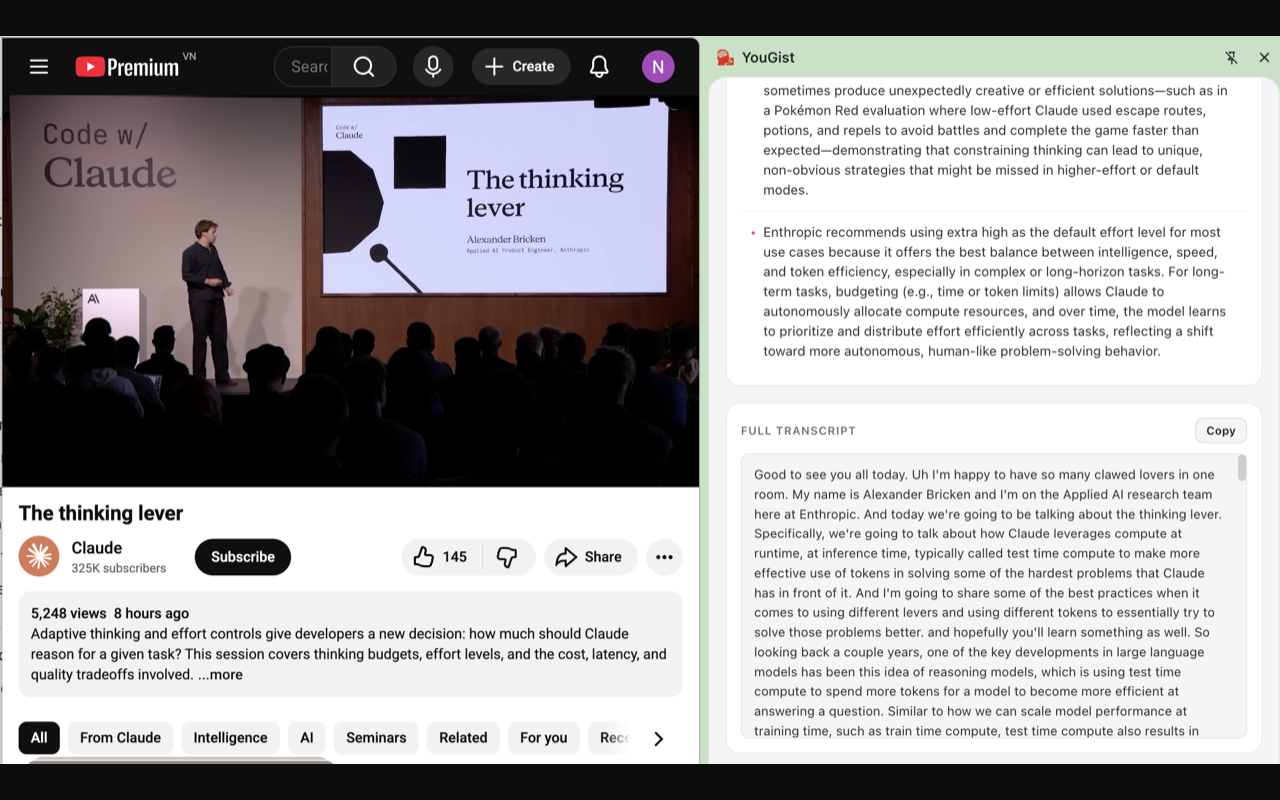
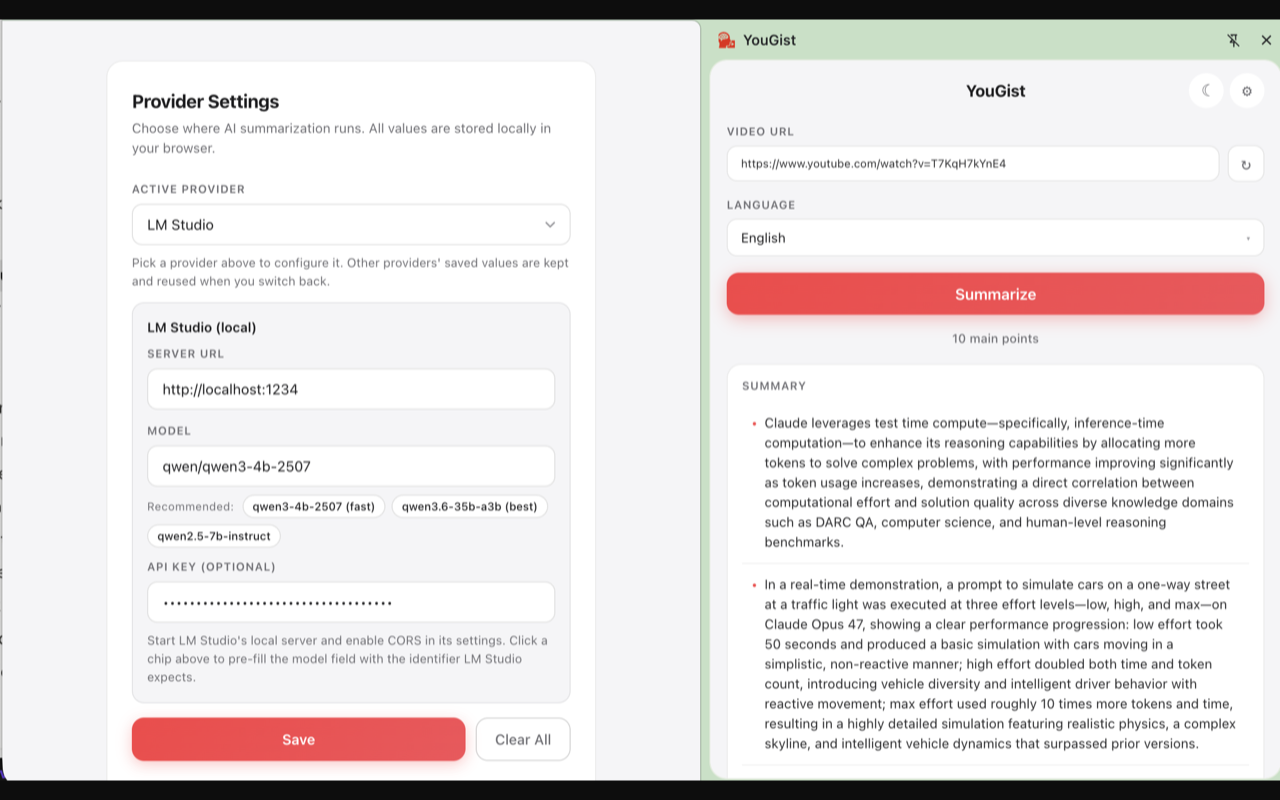
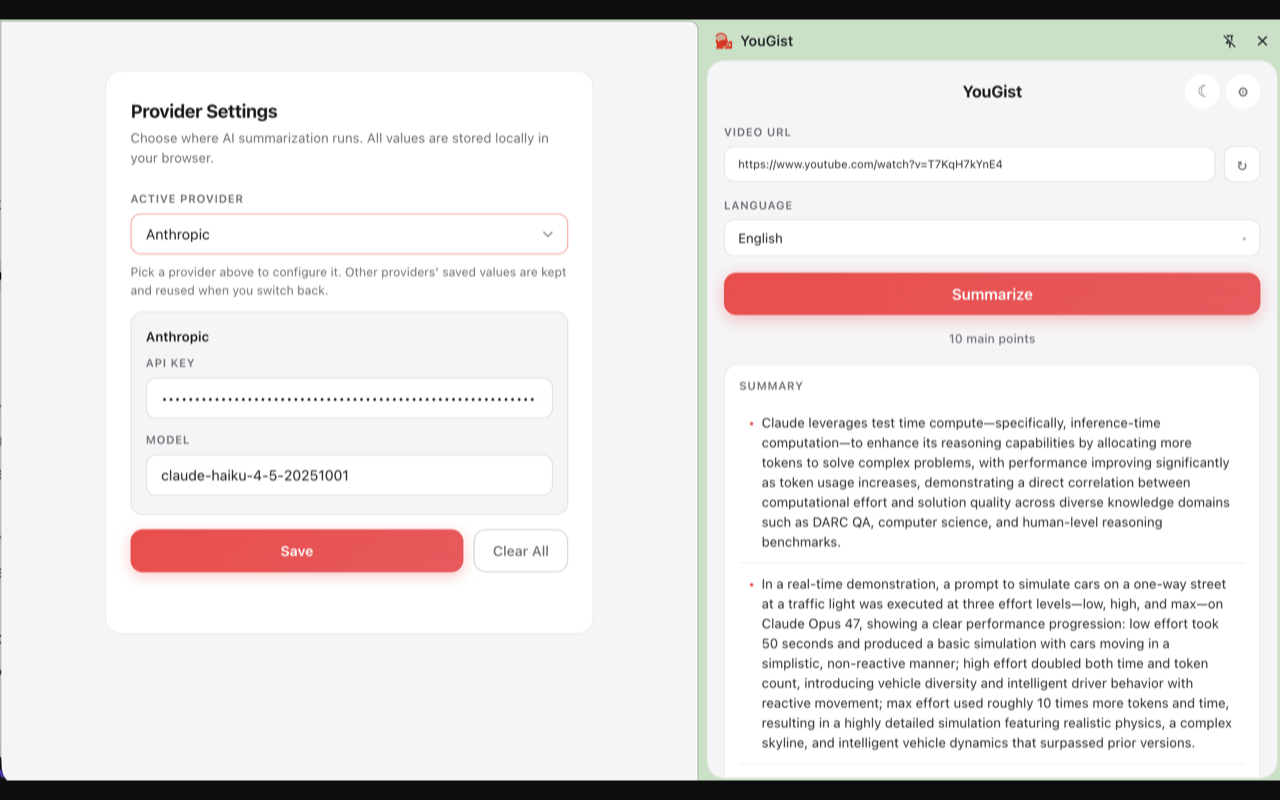
YouGist turns the video you're watching into 10 detailed key points using the AI provider you choose — OpenAI, Anthropic, Gemini, Groq, Ollama, and more. Your API keys never leave your browser.
Detailed enough to replace watching. Fast enough to use on every video.
Not a vague TL;DR. Each point keeps names, numbers, examples, and the speaker's reasoning intact — typically 2–4 sentences.
OpenAI, Anthropic, Google Gemini, xAI Grok, DeepSeek, Mistral, Groq, OpenRouter — or run free local models via Ollama and LM Studio.
Click Summarize and get the cleaned-up transcript too, with a one-click Copy button. Quote, search, or feed it to other tools.
API keys live in chrome.storage.local only. The
transcript backend never sees your keys or the summaries that
come back from the AI.
Side panel, options, transcript — everything happens right next to the video.
No configuration grind. Set your provider once, then it's two clicks per video.
YouGist auto-detects the current video URL.
The side panel opens with the URL pre-filled and your language picker ready.
10 key points appear in the panel. Copy the full transcript below if you want it.
Use whichever you already have a key for, or whichever you trust most with your data.
Drop a line for support, follow other work, or hire the developer for professional security engagements.
Bug reports, feature ideas, partnership inquiries — replies usually within 1–2 business days.
[email protected] →Other open-source projects by the same developer — utilities, experiments, and infrastructure tooling.
github.com/enderphan94 ↗Professional penetration testing, code audits, and security consulting through RNG Labs.
rnglabs.net ↗